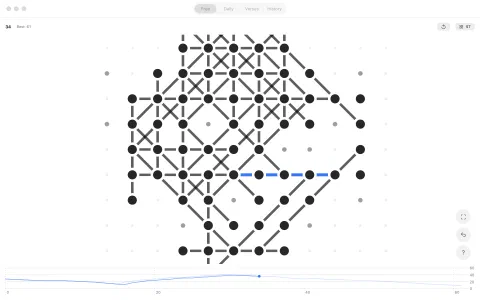
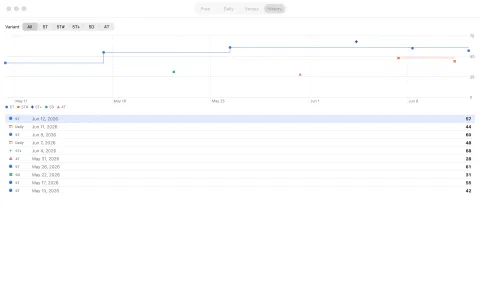
Lattice Five is one native app on every screen. Here’s what it looks like in
play — placing a dot and drawing a line, the day’s shared board, and the charts
that track where a game peaked and died.
On iPhone
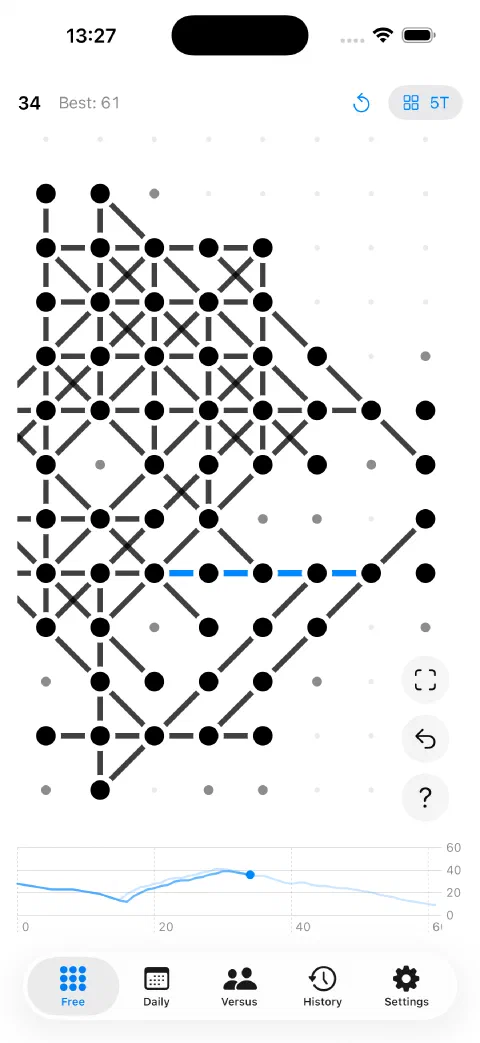
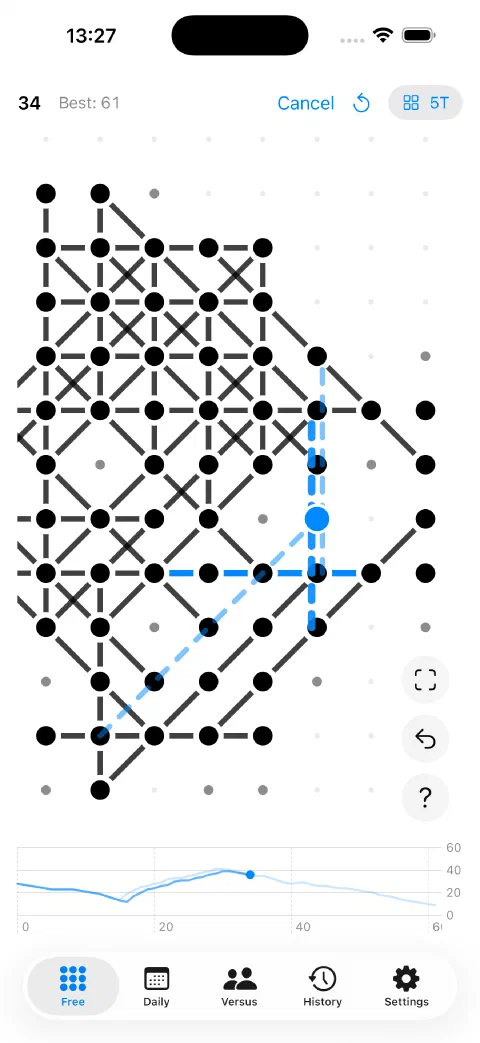
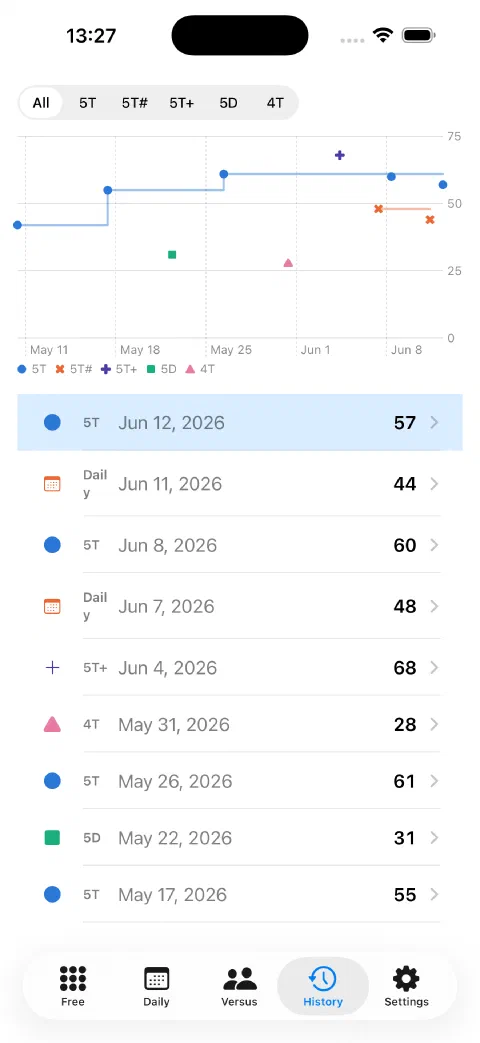
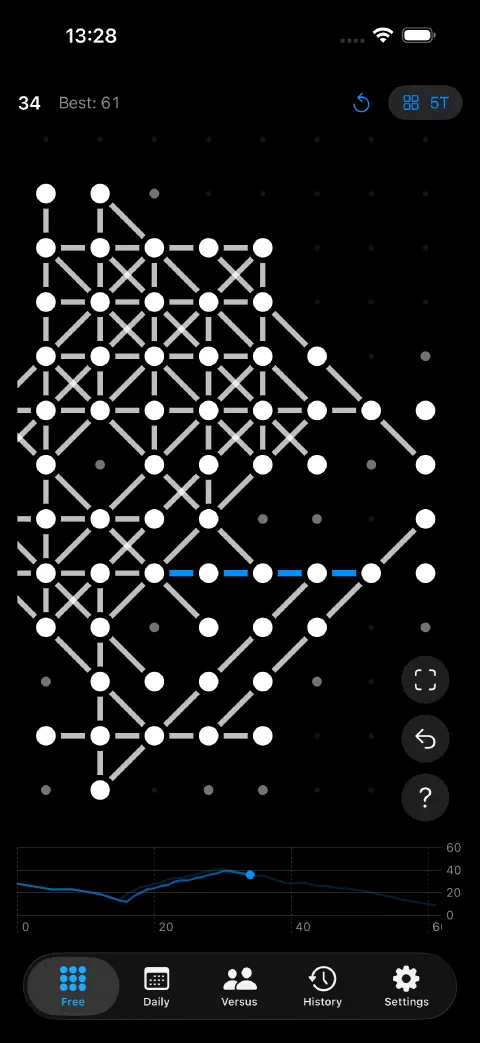
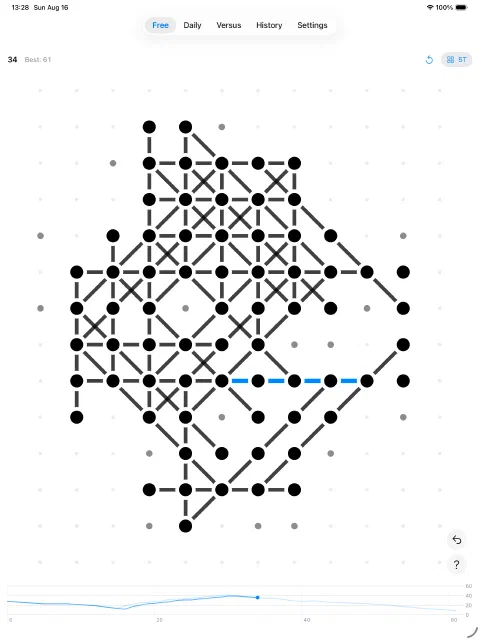
A game in progress: dots placed, lines drawn, and the faint pinpoints marking where a move is still possible.One placement can open several lines — tap the one you want to draw it.Every finished game charted: scores over time, with a running best per variant.Dark mode throughout — the same board, after dark.
On iPad
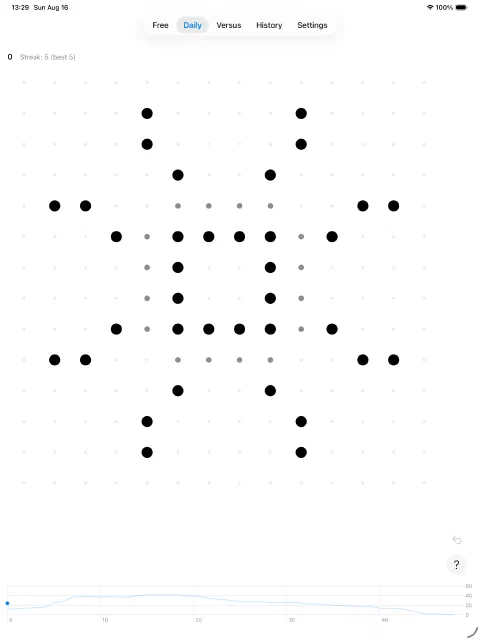
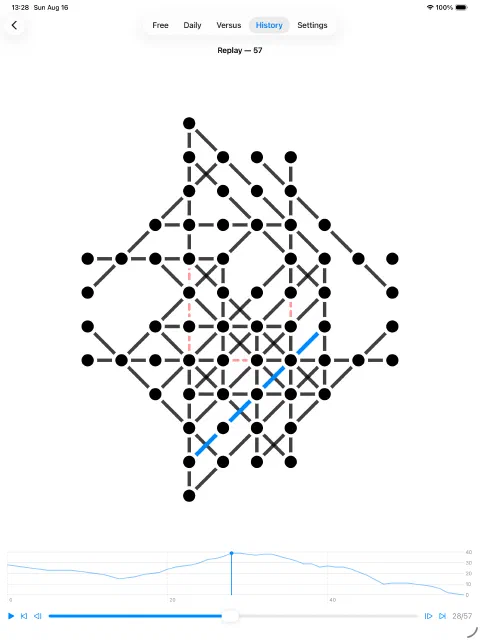
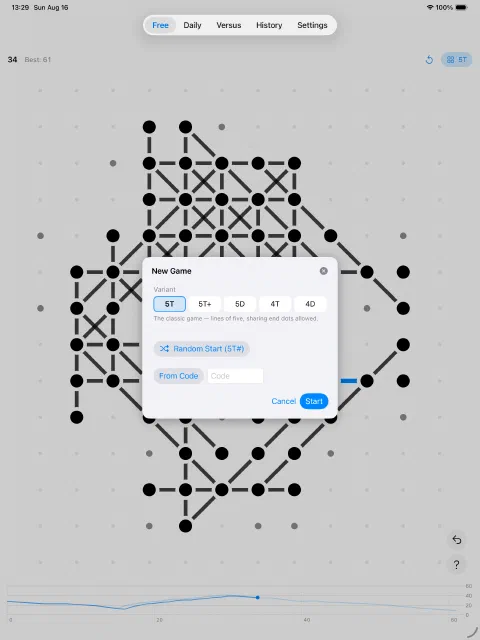
The bigger screen fits the whole lattice with room to spare, so a long game never has to be panned around.The daily challenge: one shared board a day, with your streak in the header.Scrub any finished game, with the openness curve showing where the position peaked and died.Five variants — 5T, 5D, 4T, 4D and 5T+ — plus random and shared seeded boards.
On Mac
Full keyboard play: arrows or WASD to roam, Return to place and commit, Tab to cycle the lines.The whole record on one screen — filter by variant, or open any game as a replay.
Free on iPhone, iPad, and Mac — no ads, no accounts, no tracking.